







STEP-1:
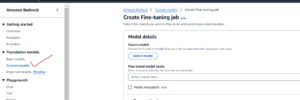
Go to Amazon Bedrock and click on Custom Model under Foundation Model.
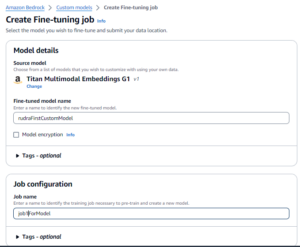
Select Titan Multimodal Embeddings G1 as the Source Model.
Give model name and job name. Then proceed to Input Data.
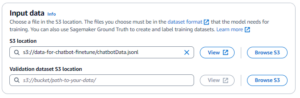
The Dataset format should be as below.
{“prompt”: “
{“prompt”: “
{“prompt”: “
The following is an example item for a question-answer task:
{“prompt”: “what is AWS”, “completion”: “it’s Amazon Web Services”}
This dataset file which will be uploaded to s3 should be of type JSONL (JSON Line).
To create this file add a new file in VS Code and then save as JSON Line.

No Save As json line
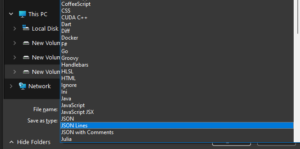
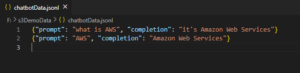
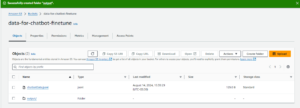
Now create a S3 bucket and upload this file to it. Then use the file for the Input Data
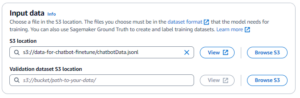
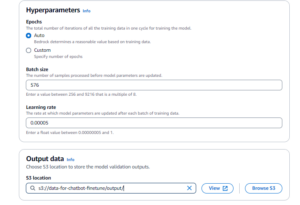
Now you need to create a folder in your s3 bucket to store the output data. To do that got to your s3 bucket click on create folder and create it.
Now Browse and select the same output folder in your Custom Model
Now Browse and select the same output folder in your Custom Model